Run a procedure in three easy steps
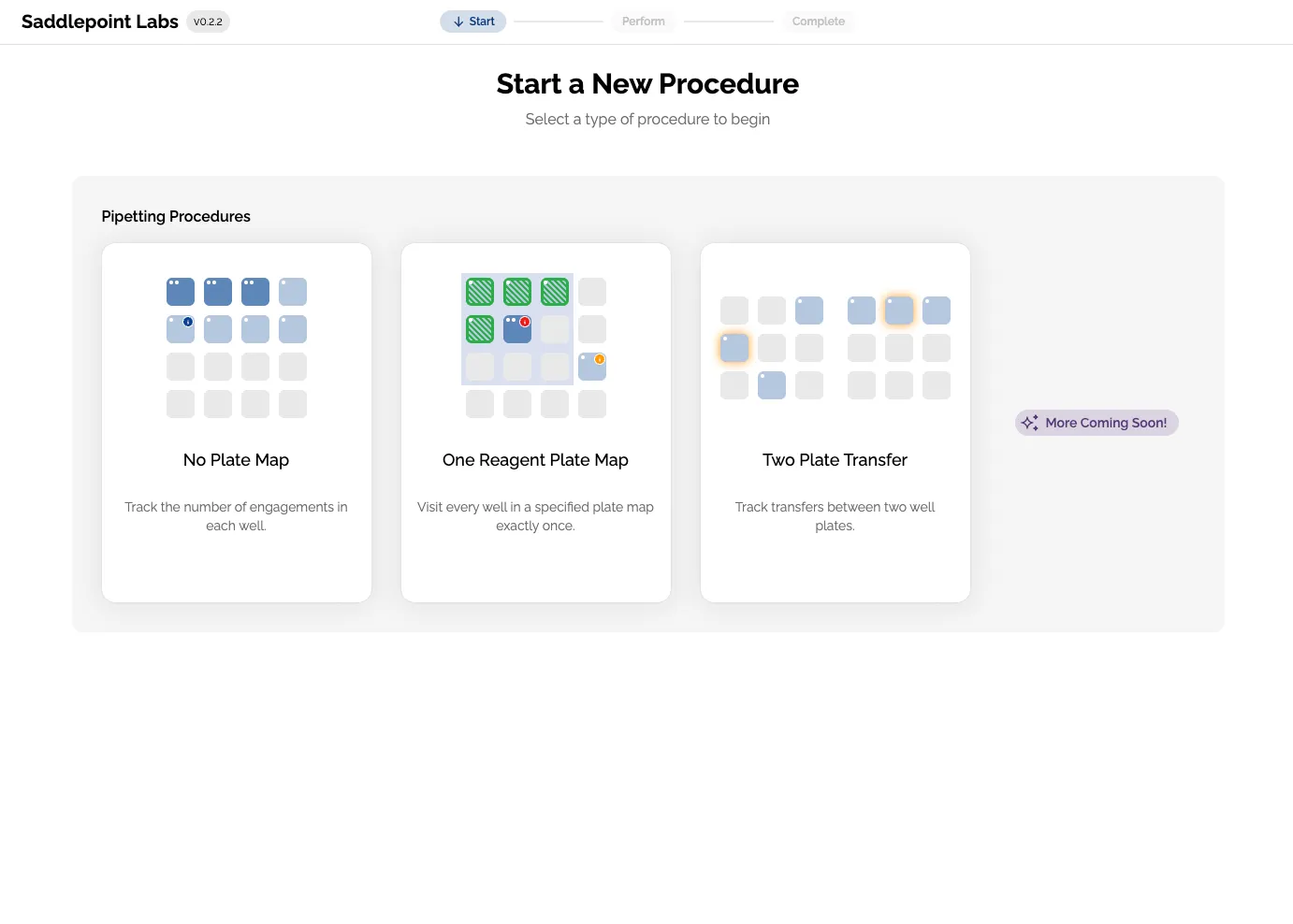
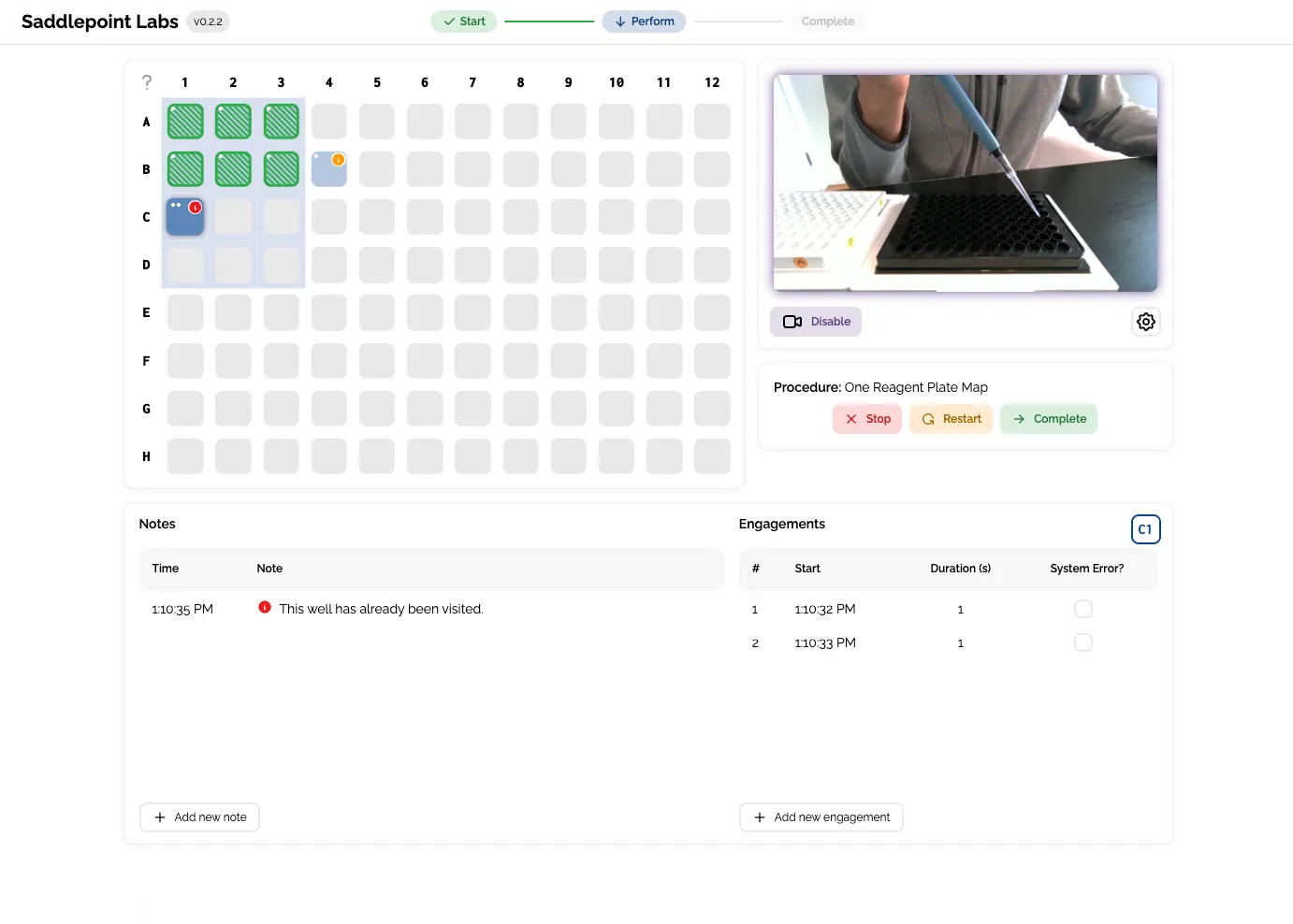
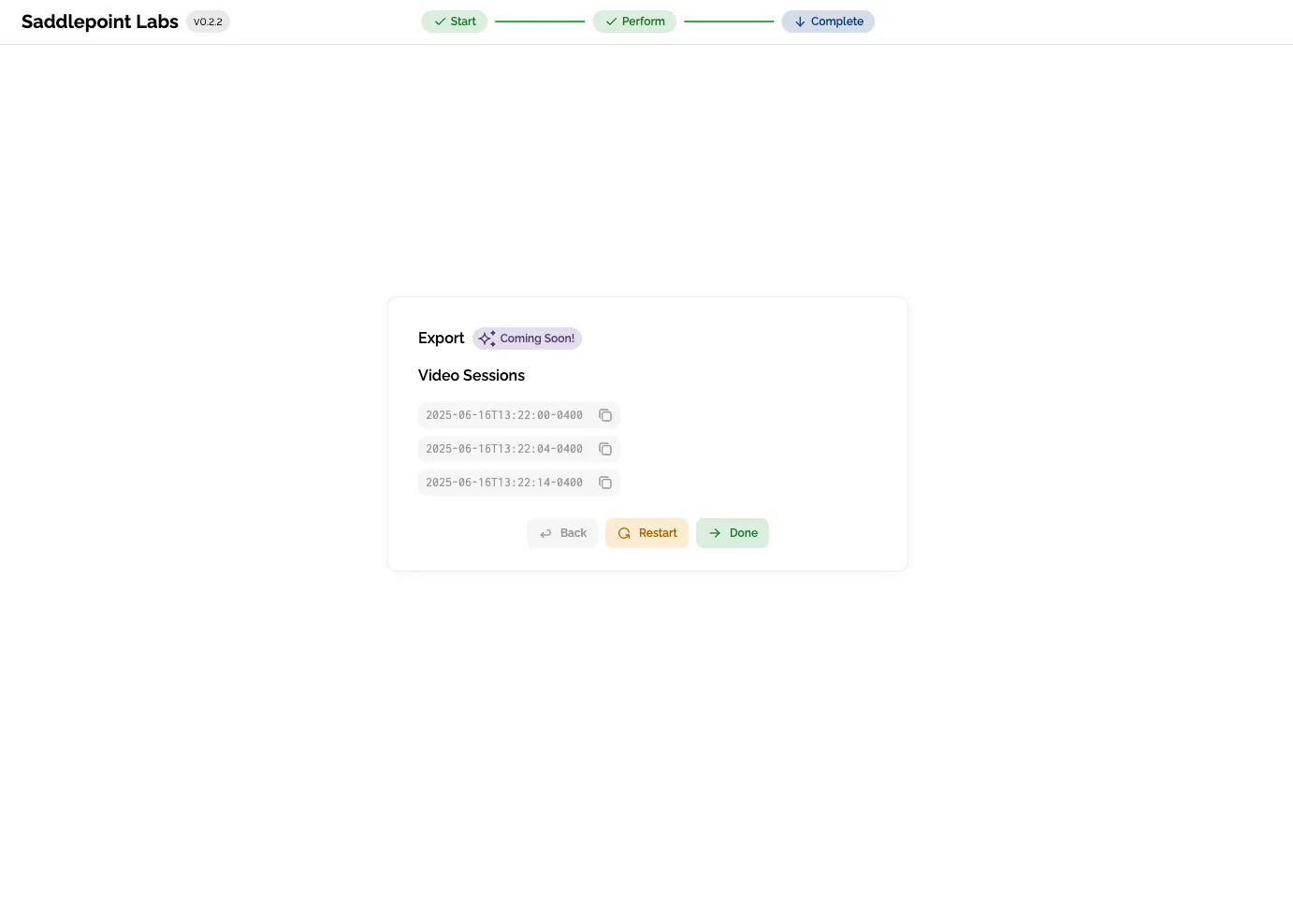
Select a pipetting mode. Perform the selected procedure while the pipetting assistant tracks your progress in real time. Optionally export your pipette's movements or review video when done.
Flexible for your pipetting procedure
The pipetting assistant has modes for several types of pipetting. More procedure templates and configurability are coming soon.
Free Pipetting Mode
Just sit down and start pipetting. The pipetting assistant helps you remember where you are. Ideal when flexibility is required.

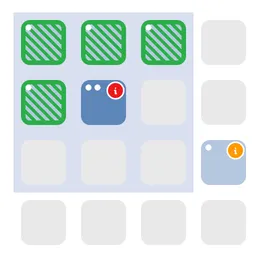
Reagent Addition Mode
Tell the pipetting assistant where a reagent is needed and it will ensure that the work is completed as planned. Use this mode for each reagent to track a full procedure in one plate.
Two Plate Cherry-Picking Mode
For complex workflows that cherry-pick samples from one plate and transfer to another plate. Use this mode to make sure that the correct sample is transferred, every time.

Currently used at labs in the University of Michigan and Cornell University for pipette accuracy validation.